What Are Sega Genesis Homebrew Games?
“Homebrew” is the scene’s word for new games written for old machines. The Sega Genesis (sold as the Mega Drive outside North America) stopped shipping in the nineties, but a community of programmers never stopped developing for it — modern toolchains like SGDK compile C code into real cartridge-ready ROM files. These are not romhacks of commercial games and not emulated arcade ports: each of the six titles here is an original work, built from scratch for the Genesis Motorola 68000 hardware.
That origin matters for players, not just for lawyers. Because the developers own their code and released it under the MIT license, WASM Arcade can host the ROM files openly — the same legal footing as the rest of the catalog. You will find the license link and author credit on every game page and inside every player. It is the honest way to keep classic hardware alive: play new games, made for the machine, with permission.
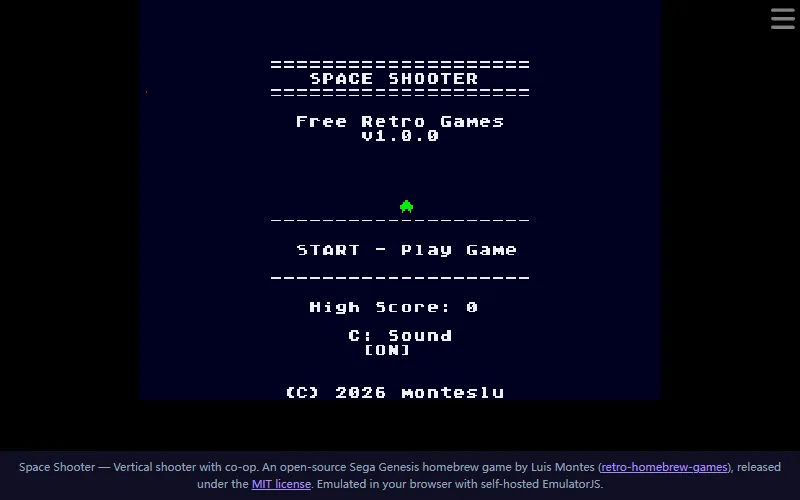
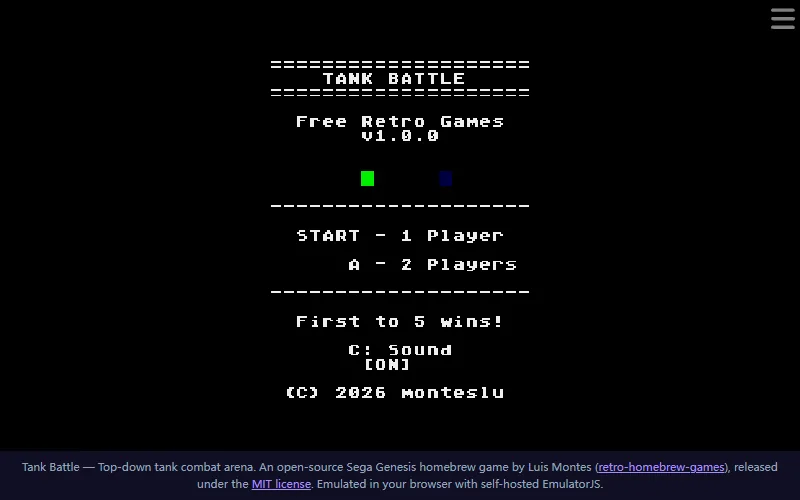
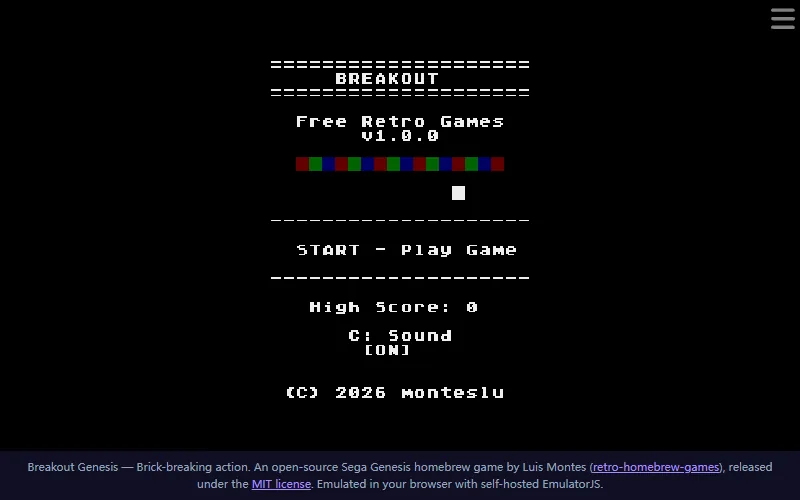
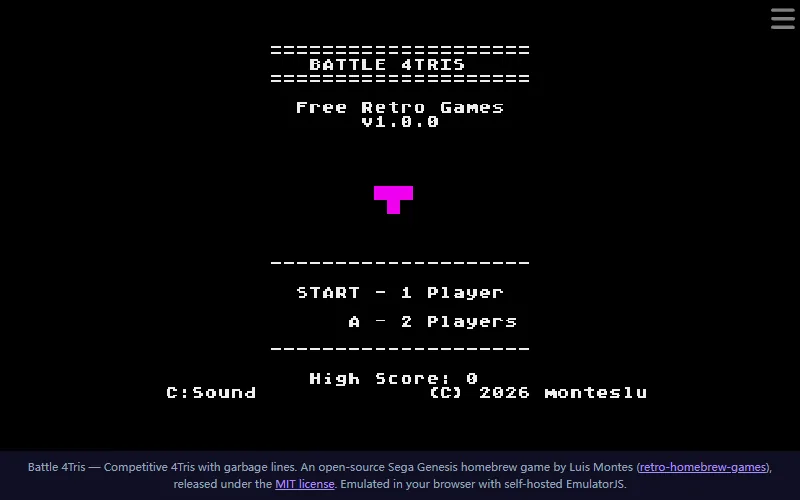
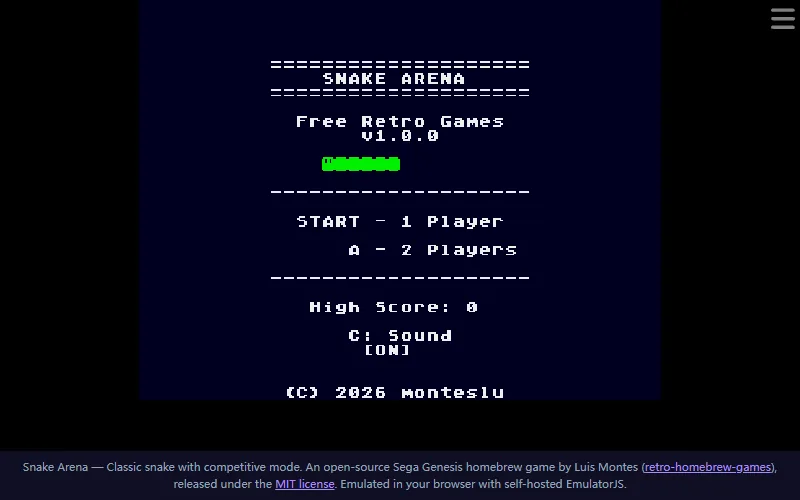
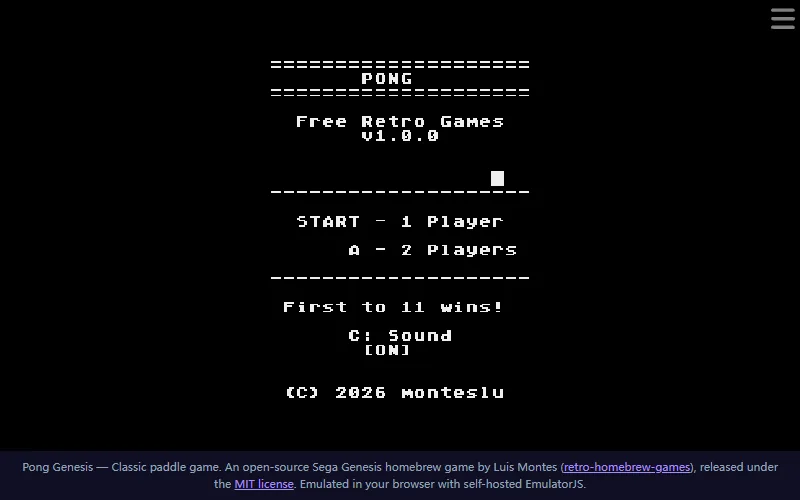
The six games cover the genres the Genesis was loved for: run-and-gun space shooting, top-down tank duels, paddle reflexes, falling-block battles, snake arenas and more. Most of them support two players sharing one keyboard — the exact couch configuration the console was built for. And because they are small, focused games rather than 40-hour epics, each one teaches you its rules in under a minute.
How Playing Genesis Games Online Works
Press Play on any game below and WASM Arcade boots a Genesis emulator compiled to WebAssembly — the open-source EmulatorJS project, hosted on our own servers alongside the ROM files. The emulator initializes the virtual Motorola 68000 processor, loads the ROM exactly like a console would, and hands you the controller: arrow keys for the D-pad, Z and X (or A and S) for the three-button pad, Enter for Start.
The first boot takes a few seconds — a real Genesis needed a couple of seconds too. After that, save states, fast-forward and full-screen controls appear in the emulator’s own toolbar, and the game runs at full speed with sound. Your browser does all the work locally; the ROM has already finished downloading by the time you press Start, so no inputs ever travel to a server.
Why Play Homebrew Instead of Classic ROMs?
Most sites that promise “play Genesis games online” are streaming commercial ROMs they have no right to host — Sonic, Streets of Rage and friends disappear from those sites as fast as rights holders notice them. The homebrew route is the sustainable one: brand-new games, made for the same machine, distributed with the developer’s blessing. You get the authentic 16-bit experience — real Genesis audio, real sprite limits, real two-player on one couch — without the legal grey zone.
It is also the route that keeps producing new things. The retro-homebrew-games project is actively developed: new titles, balance patches and features land as regular releases, and WASM Arcade adds games from the collection as they are published. When you play here, you are directly supporting an ecosystem where programmers still choose a thirty-year-old console because making games for it is fun.
Frequently Asked Questions
What are Sega Genesis homebrew games?
Homebrew games are brand-new titles programmed by independent developers for retired consoles. These six run on original Sega Genesis hardware — and on this site they run in a Genesis emulator inside your browser, straight from self-hosted files. They are open source under the MIT license, which is what lets us host them legally.
Are the ROMs legal to play here?
Yes. Every ROM on the Genesis games pages comes from the open-source retro-homebrew-games project by Luis Montes, released under the MIT license. That license explicitly permits copying and redistribution — the same legal basis as every HTML5 game on WASM Arcade. No commercial ROMs are ever hosted on this site.
Do I need a Sega Genesis console or an emulator download?
No to both. The emulator (EmulatorJS, an open-source project) is hosted on WASM Arcade itself and loads automatically when you press Play. The ROM file streams from our own domain — nothing to install, nothing to configure.
Why does the first load take a few seconds?
Pressing Play boots a full Genesis emulator compiled to WebAssembly, then loads the game ROM. It usually takes a few seconds — comparable to turning on a real console. After that first load it runs at full speed with sound.
Can two players play these Genesis games?
Most of them support two players on one keyboard, just like a real Genesis with two controllers — Tank Battle, Battle 4Tris, Pong Genesis, Snake Arena and Space Shooter all have two-player modes. Check each game page for the exact player-two controls.
Boot Up the Genesis
Six homebrew cartridges are already loaded. Pick one, press Play, and the 16-bit era starts in seconds.
Explore More on WASM Arcade
The Genesis shelf is one part of the 46-game catalog. For coin-op legends, head to arcade games online; for quiet logic, the puzzle collection has Sudoku, Minesweeper and slide puzzles; classic games cover the everyone-knows-these basics, and action titles bring the reflex tests. Everything returns to the WASM Arcade homepage, where the newest additions are always one click deep.