
About Battleship
Battleship is the hidden-fleet duel you remember from the paper grid: five ships — carrier, battleship, cruiser, submarine and destroyer — placed on a 10×10 sea, then a hunt of called shots until one navy rests on the ocean floor. Your fleet stays visible on your own board; enemy ships only surface, square by square, as they take hits, and a fully damaged ship is revealed at once when it sinks.
Placement is half the game and the interface respects that: tap a square to drop the selected ship, rotate it with the button or the R key, press Random for an instant legal layout, and pick a placed ship back up by clicking it. During the battle, hits mark red and misses leave a white dot, so your deduction map builds itself as you fire. A status line always tells you which ship is next to place and whose turn it is.
Three AI opponents change the hunt completely. Easy fires at random; normal homes in on your fleet the moment it draws blood, firing at the neighbours of every hit; hard searches in a parity pattern — skipping cells no ship could span — and tracks a wounded ship along its row or column, the way a strong human plays. Each difficulty keeps its own win-loss record in your browser, so the scoreboard is a campaign, not a single match.
The layout adapts to whatever screen you bring: two boards side by side on wide displays, stacked in portrait, or a single board with tabs on the smallest phones — every cell stays a comfortable tap target. Keyboard players get the full game too, with the arrow keys moving a cursor and Enter firing. No ads interrupt the hunt, and nothing leaves your device: it is paper Battleship with an honest referee. Beyond the three opponents, the interface does quiet work during placement: the status line names the next ship and its length, a ghost preview shows exactly where the vessel will sit and turns red when the spot is illegal, and the fleet chips under each board track every ship by size, so bookkeeping never depends on memory. It adds up to a table that plays fast and explains itself.
How to Play Battleship
- 1
Choose a difficulty — each one keeps its own win-loss record.
- 2
Place all five ships manually, or press Random and adjust from there.
- 3
Press Start Battle to switch to the enemy waters.
- 4
Fire one shot per turn; hits mark red and misses leave a dot.
- 5
When a ship takes its final hit it sinks and is revealed in full.
- 6
Sink all five enemy ships before the AI sinks yours.
Controls
| Keys | Action |
|---|---|
| Click / tap a square | Place the selected ship, or fire on the enemy grid |
| RANDOM / ROTATE / CLEAR | Auto-place, turn, or wipe your fleet during setup |
| Click your own ship | Pick it back up to re-place it |
| Arrow keys + Enter | Move the cursor, place ships and fire |
| R / N | Rotate the ship / start a new game |
Tips & Strategy
TIP 1
Use parity when hunting: every ship is at least two cells long, so a checkerboard firing pattern can never miss a whole ship.
TIP 2
Two hits in a line reveal the ship’s orientation — extend the line at both ends before firing anywhere else.
TIP 3
Finish damaged ships first; their remaining cells are the most predictable squares on the board.
TIP 4
Spread your own fleet and avoid tidy, symmetric layouts — a predictable pattern is a gift to the hard AI.
TIP 5
Watch the fleet chips under each board: the enemy strip shows which ships are sunk, which tells you how much danger your remaining fleet is in.
Frequently Asked Questions
Can my ships touch each other?
Yes — the only placement rule is that ships may not overlap. Touching is legal, so dense clusters are allowed, though they can be costly once found.
What makes the hard AI harder?
It searches every other cell in a parity pattern until it draws blood, then tracks the wounded ship along its row or column — the classic optimal hunting strategy.
Is my record saved?
Your wins and losses are stored per difficulty in this browser, and the tally is shown on the result screen after every battle.
Why did the enemy get two shots in a row?
It did not — each of your shots is answered by exactly one AI shot, resolved immediately in the same turn. The animation just plays the two fires back to back, which can feel like a double turn.
Ready to Play Battleship?
Free, instant and right on this page — no download, no signup. The cabinet is already warm.
More Games You’ll Enjoy
 WASM
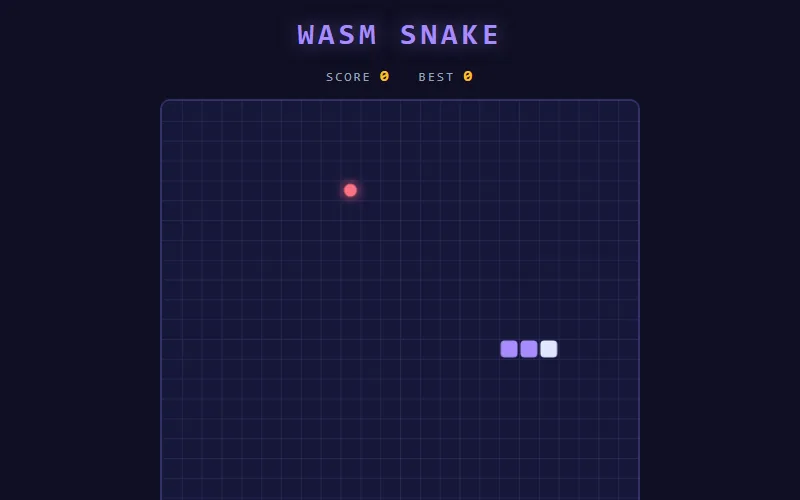
WASMSnake Game
The original arcade snake — eat, grow, survive, repeat.
Classic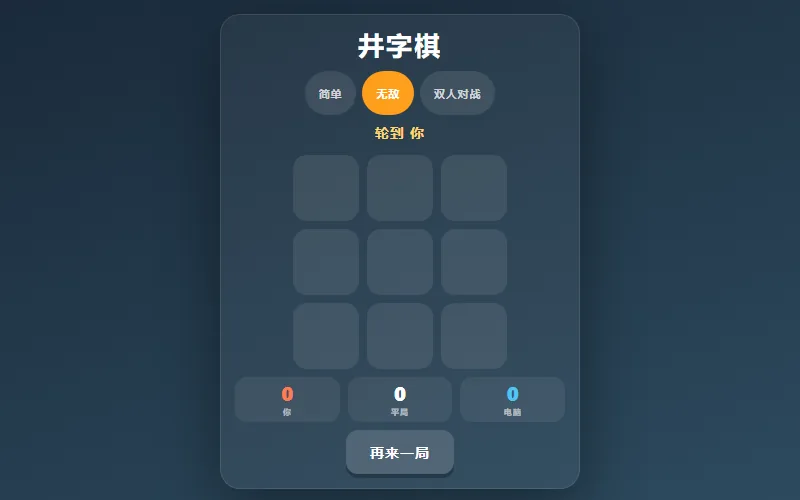
Tic Tac Toe
Three in a row vs an unbeatable AI or a friend.
Classic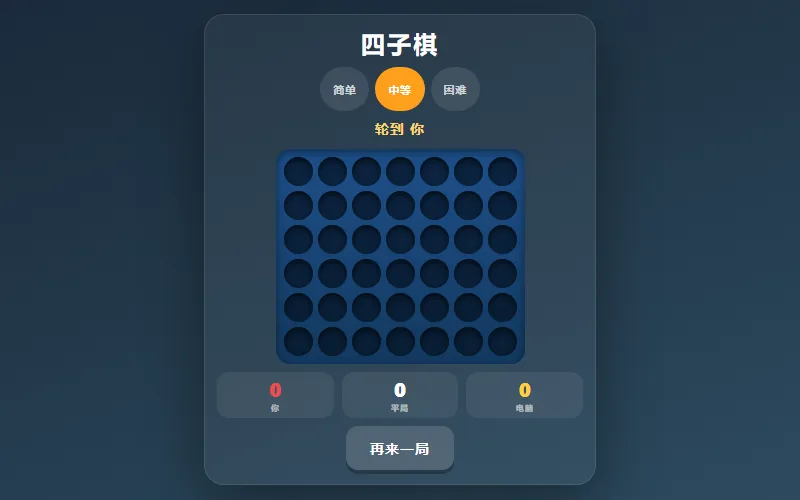
Connect Four
Drop discs, build threats, line up four to win.
Classic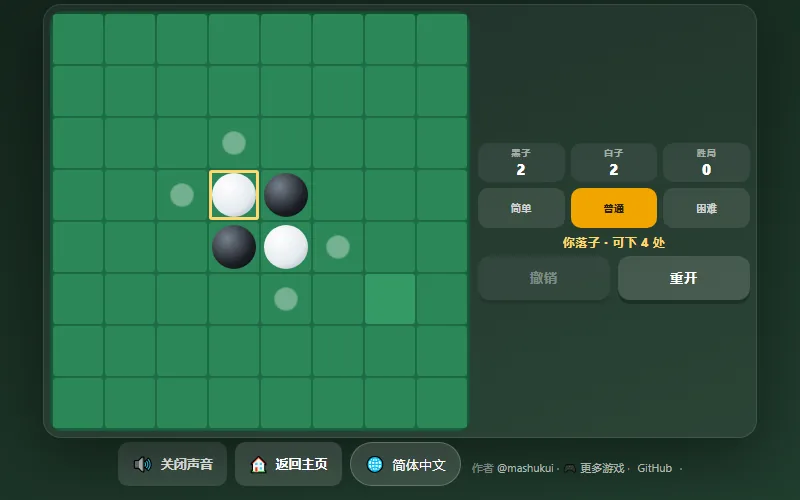
Reversi (Othello)
Flip the board — trap discs and own the majority.
ClassicExplore more classic games in the dedicated collection, or browse the full games catalog — from classic and puzzle to fast arcade and action titles. Every page plays instantly on desktop and mobile.