About Pong Genesis
Pong Genesis takes the oldest idea in video games and builds it fresh for one of the last consoles you would expect — that contrast is most of its charm. It is an original homebrew title by Luis Montes: new C code for the Sega Genesis’ Motorola 68000, published with full source in an MIT-licensed collection of console homebrew. It is not a commercial ROM and not a romhack; it is a newly written paddle game for hardware that officially retired decades ago. The Genesis renders it in chunky, confident pixels, and the format survives the trip intact: two paddles, one ball, and a scoreboard that only moves when somebody fails.
The shape of a match is simple and ruthless. The ball serves from the middle, each return adds a little danger, and the paddle’s contact point decides the outgoing angle — centre hits go straight, edge hits cut wide and force the other side to travel. Solo mode hands the far paddle to the console, which tracks, anticipates and occasionally errs, so beating the machine is a matter of angles and rhythm rather than raw speed. Points accumulate until one side reaches the winning score, matches stay short by design, and rematches are a single button press away — the same loop that made this genre the first video game much of the world ever saw.
Two players are where the format has always lived. The official listing covers one or two, and versus play here means two people on one keyboard — one pair of keys drives each paddle, with Player 2’s assigned in the emulator’s control settings. Head-to-head paddle games are the original couch argument: long rallies build tension better than any cutscene, angles beat speed, and the losing player is almost always the one who stopped watching the ball and started watching the score. It needs no internet, no accounts and no second machine — the entire match fits in one browser tab.
Everything about the setup here is legal and local. The game is MIT-licensed original homebrew, the site self-hosts the ROM, and an embedded EmulatorJS build emulates the Genesis directly in the browser — first boot takes a few seconds, and later sessions start immediately. You control it entirely from the keyboard: arrows move the paddle, Z and X cover the action buttons, Enter drives the menus, and the toolbar above the game provides fullscreen for a proper view of the court, save states for practice, and full remapping for comfort. No downloads, no fees, and no commercial ROM involved at any step.
How to Play Pong Genesis
- 1
Press Play and let the emulator spend a few seconds booting to the title screen.
- 2
Press Enter to reach the mode select, then pick solo against the console or two players.
- 3
Move your paddle with the arrow keys; the far paddle belongs to the machine in solo mode.
- 4
Cut returns with the paddle’s edges — centre hits travel straight, edge hits angle wide and win rallies.
- 5
For two players, assign Player 2’s keys in the control settings and share one keyboard.
- 6
Race to the winning score to take the match; the toolbar holds pause, save states and fullscreen.
Controls
| Keys | Action |
|---|---|
| Arrow keys | D-pad — move your paddle up and down the court |
| Z / X | Action buttons — serve and confirm (the pad’s A, B and C) |
| Enter | Start — open menus, begin a match, pause |
| Control settings (toolbar) | Remap buttons, pair a gamepad, and assign Player 2’s paddle keys |
| Fullscreen (toolbar) | Put the whole court on your full display |
Tips & Strategy
TIP 1
Watch the ball, not the paddle or the score — every lost point in this genre starts with a glance away.
TIP 2
Return from the paddle’s edges on purpose: wide angles are the returns the far side has to run for, and running loses points.
TIP 3
Hold a position near the centre and make small corrections; big chases arrive late and overshoot the ball’s real line.
TIP 4
In versus, vary the pace of your returns — an opponent locked into your rhythm loses the rally the first time you break it.
TIP 5
Take the rematch immediately after a loss; paddle games teach through repetition, and the lesson fades if you wait.
Frequently Asked Questions
Is this an official Sega game?
No. It is original homebrew — a newly written paddle game for the Genesis by an independent developer, released as open source. Sega stopped producing the console long ago; the homebrew scene writes new games for it still.
Is it legal to play here?
Yes. The MIT license allows free distribution of both source and ROM, so self-hosting it here is legitimate. The site’s standing rule is open-source homebrew only — never commercial ROMs.
Do I need to download an emulator?
No. The page embeds a self-hosted EmulatorJS build that emulates the Genesis in your browser — a few seconds on first boot, then instant, with nothing to install.
Does it support two players?
Yes — the official listing covers one or two players. Both paddles run on one keyboard; assign the second player’s controls in the emulator’s control settings and play.
Ready to Play Pong Genesis?
Free, instant and right on this page — no download, no signup. The cabinet is already warm.
More Games You’ll Enjoy
 GENESIS
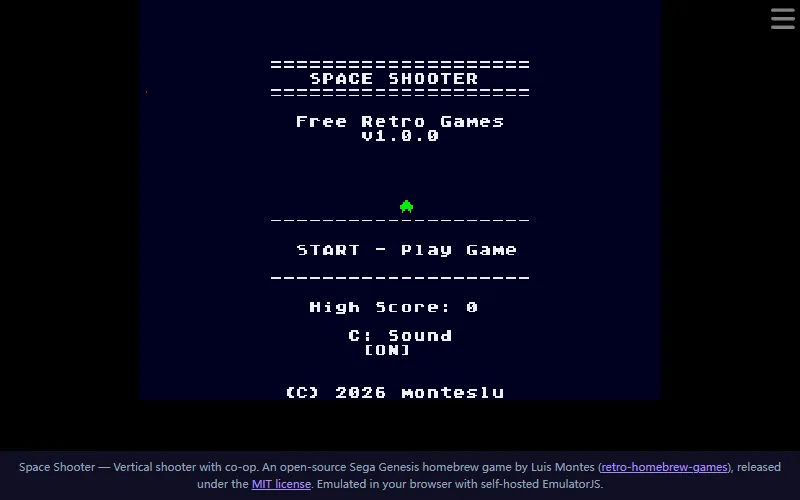
Space Shooter Genesis
Original vertical shooter homebrew — waves, power-ups, co-op.
Genesis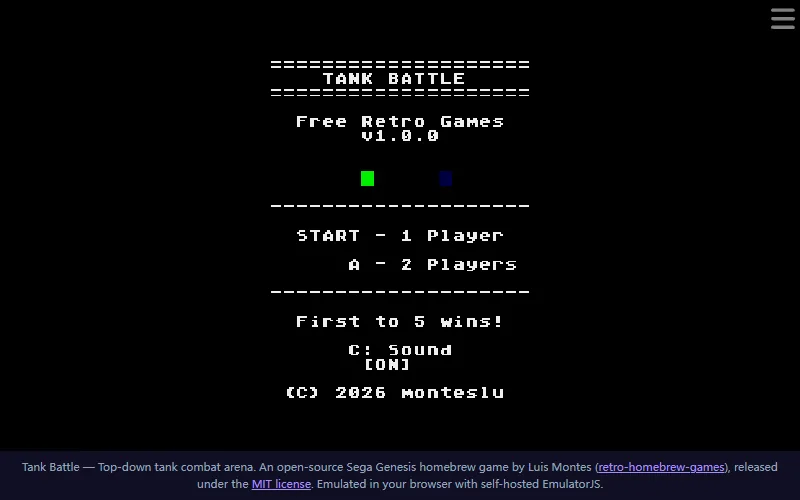 GENESIS
Tank Battle Genesis
Top-down tank duels on Genesis — random arenas, first to five.
Genesis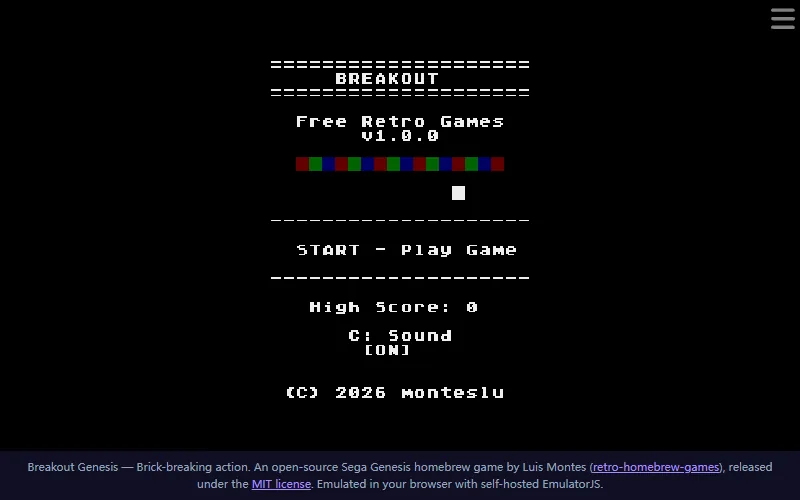 GENESIS
Breakout Genesis
Brick-breaking action on Genesis — paddle physics, combos, two players.
Genesis GENESIS
Battle 4Tris
Competitive block-stacking on Genesis — clear lines, dump garbage.
GenesisExplore more genesis games in the dedicated collection, or browse the full games catalog — from classic and puzzle to fast arcade and action titles. Every page plays instantly on desktop and mobile.