
About Piano Tap
Piano Tap is the reflex classic built on a very simple contract: a four-lane board scrolls upward, exactly one black tile waits in each row, and you must always hit the lowest one. Tap a white tile and the run ends on the spot; let a black tile scroll past the top and the run ends too. Nothing else exists — no power-ups, no exceptions, just you and the pace. The first few tiles even get a fading highlight outline, and it is gone by the time you stop needing it.
What makes this edition sing is literally that: every successful tap plays the next note of an ascending scale, so a clean run sounds like a melody climbing key by key, and your first mistake breaks the music along with the run. The board never repeats a column back-to-back, so no lane gets neglected and no rhythm can be gamed by camping one finger, and the speed steps up every eight tiles from a gentle walk to a genuine sprint.
On touch you simply tap the column — anywhere in it, at any height; on keyboard the four lanes map to D F J K or 1 2 3 4, which is the fastest way to chase a big tile count. Taps made before the target tile enters the board are ignored rather than punished, so you can rest your fingers on the keys between rows, and cleared tiles turn grey behind you so the run leaves a visible trail.
The usual failure is visual, not digital: watching the tile your finger is already hitting instead of the bottom edge where the next one is arriving. Your best tile count is kept in this browser, there are no ads between runs and nothing to install, and because a run ends in one clean mistake, the retry loop is the fastest in the collection — dead to a new melody in two seconds. The visual language is deliberately plain — black tiles ahead, grey tiles behind you — so nothing competes with the bottom edge where the next decision arrives. Cleared tiles keep a faint blue edge for a beat, which makes your recent timing readable at a glance, and the run ends with the same instant honesty it was played with: one screen, your tile count, your record. Speed is the only difficulty setting, and it turns itself up until your hands, not your plans, decide the run.
How to Play Piano Tap
- 1
Press Start — the board begins to scroll.
- 2
Tap or press the column of the lowest black tile on screen.
- 3
Hitting a white tile ends the run immediately.
- 4
Letting a black tile scroll off the top ends it too.
- 5
The scroll speeds up every eight tiles — the tempo is the timer.
- 6
Chase your best tile count; it is saved in this browser.
Controls
| Keys | Action |
|---|---|
| Tap / click a column | Hit the black tile in that column |
| D F J K | The four lanes, left to right |
| 1 2 3 4 | Alternative lane keys |
| Space / Enter | Start or retry |
Tips & Strategy
TIP 1
Rest your hands on D F and J K like a real keyboard divider — each hand owning two lanes halves the travel.
TIP 2
Watch the bottom edge of the board, not the tile you are striking; your hands follow your eyes with about half a beat of delay.
TIP 3
The tiles right after a speed step arrive before your rhythm adjusts — deliberately ease off for one tile to re-sync.
TIP 4
Taps before the target tile enters the screen are free, so pre-position your fingers instead of mashing.
TIP 5
On touch, tap low on the board: the tile you are hitting is near the bottom anyway, and a low tap keeps your eye line where the next threat enters.
Frequently Asked Questions
What exactly ends the run?
Two things: tapping any white area, or letting the lowest black tile scroll past the top of the board. There are no lives and no second chances.
Does the speed ever cap?
It keeps stepping up every eight tiles until it reaches the maximum pace; reaching that sprint with a clean record is the real endgame.
Why does it play music?
Every hit plays the next note of an ascending scale, so your streak literally performs a melody — and ends it when you miss.
Can two black tiles appear in the same column twice in a row?
No — the generator forbids consecutive tiles from sharing a column, so every lane stays involved and no single-finger strategy can carry a run.
Ready to Play Piano Tap?
Free, instant and right on this page — no download, no signup. The cabinet is already warm.
More Games You’ll Enjoy
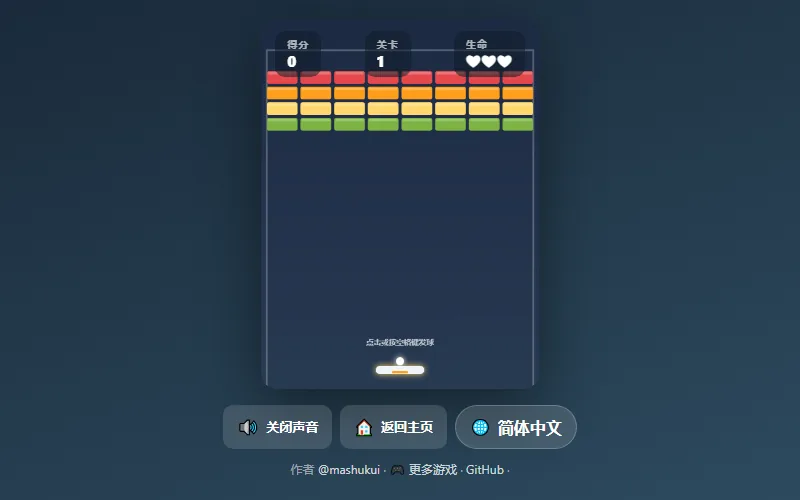
Breakout Game
Angle-perfect paddle physics, shattering bricks, endless levels.
Arcade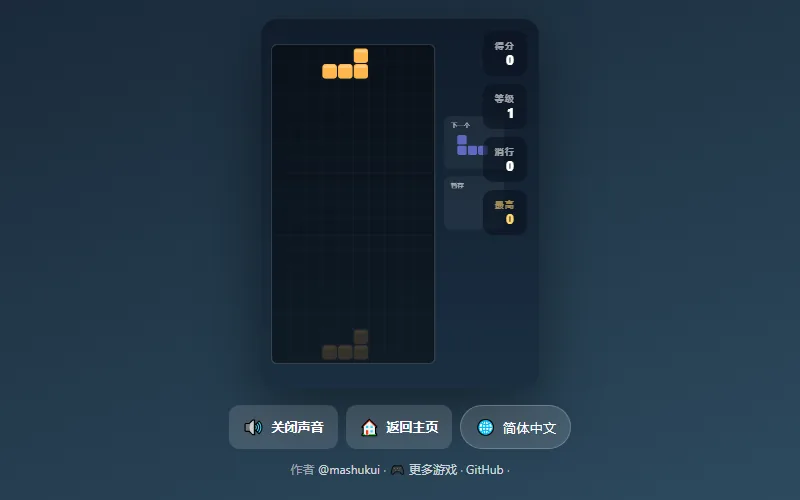
Block Drop
Falling blocks, perfect clears — stack fast, survive longer.
Arcade
Paddle Duel
Pong-style duel vs the AI — first to 7 takes the match.
Arcade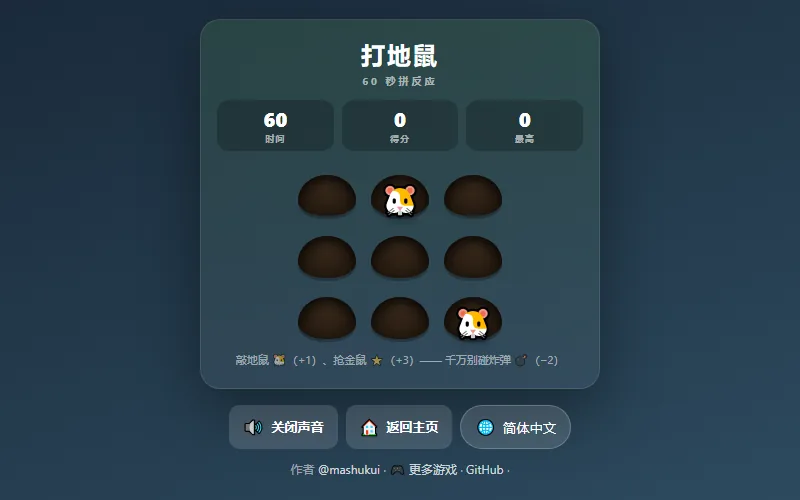
Whack-a-Mole
Sixty seconds of reflex — whack moles, dodge bombs.
ArcadeExplore more arcade games in the dedicated collection, or browse the full games catalog — from classic and puzzle to fast arcade and action titles. Every page plays instantly on desktop and mobile.